
Dress-up and Battle Scenes
Mix outfits and hand-held items, save your look, and choose a battle background.
On this page
Open the dress-up screen
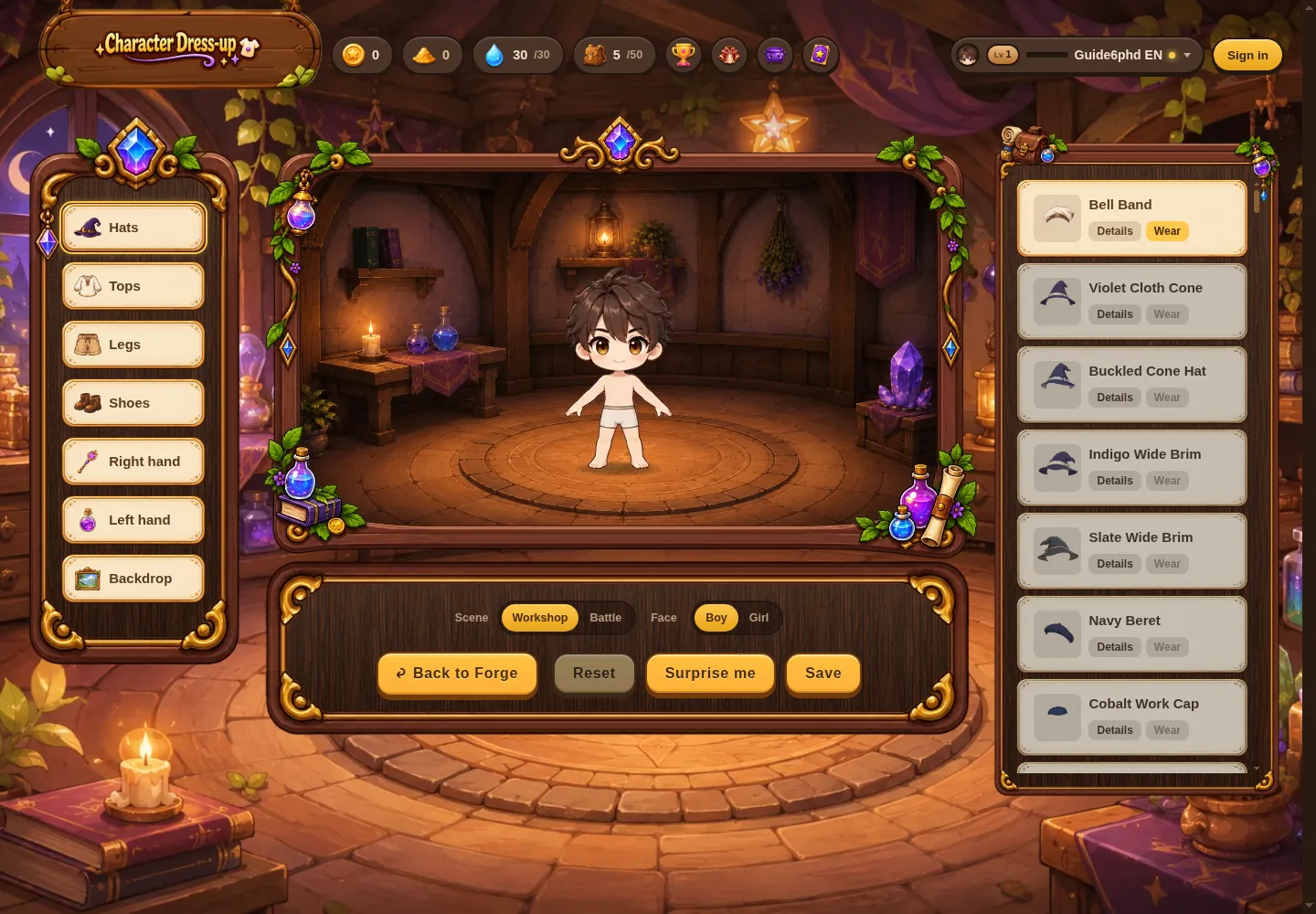
Use the dress-up shortcut at the top of the screen or choose “Dress-up” from the avatar menu. Check the character preview before choosing items.
Choose a body part, then a style
Hats, tops, bottoms, shoes, left- and right-hand items, and backgrounds can be changed separately. Switch body parts, then select an item to see the preview update.
Try a few combinations if you are unsure. Previewing a look does not save it.
Every level adds new pieces to your wardrobe
Each time you level up, a set of new free items is added across categories such as hats, tops, bottoms, shoes, both hands, and backgrounds. By level 99, the pieces you have collected across those categories give you almost endless ways to mix and match.
Remember to save
Guests can try on items, but you must link a Google account to save an outfit. Locked items need to be unlocked before you can wear them.
Press “Save” and wait until you see “Saved” before leaving. Your character will appear with the saved look in the lobby and other places where your character is shown in battle.
Character backgrounds and battle scenes are different
A character background is part of your outfit. A battle scene is the setting behind the board. To change the match setting, switch “Place” to “Battle,” choose a scene, and save.
You do not need to learn the battle rules before changing clothes. Return to the game to keep crafting, or read Your first card battle to try a match.
Up nextYour First Card Battle →